
Best HR Automation Software in 2026: Automation Platforms vs Dedicated Tools
Compare the best HR automation software for 2026, from general-purpose automation platforms to dedicated HR tools, and find the right fit for your team.

By: Deepit Patil
Co-Founder and CTO
Published
Updated
Edited by Craze Editorial Team · See our Editorial Process
Manual HR processes drain time, introduce errors, and pull teams away from higher-value work. These inefficiencies compound as headcount grows, whether you are an operations leader, an HR manager, or a founder wearing multiple hats.
Automation replaces that repetitive manual work with reliable, repeatable workflows. Among organizations already using AI in HR, 25% apply it to performance management according to SHRM’s 2024 Talent Trends survey, and that share is growing.
This guide compares two categories of HR automation software: general-purpose automation platforms that handle HR workflows alongside other business processes, and dedicated HR tools built specifically for people operations. You will find tool reviews for both, a comparison table, and a decision framework.
At a Glance
- HR automation tools reduce manual tasks, cut errors, and free up time for strategic work.
- Automation platforms (Craze, Make, n8n, Zapier) connect your existing tools and automate HR workflows as part of broader business automation.
- Dedicated HR tools (Rippling, BambooHR, Gusto, Deel, Paycor) are purpose-built for people operations with deeper HR-specific features.
- The best choice depends on whether you need cross-functional automation flexibility or deep, built-in HR functionality.
Why HR Automation Matters
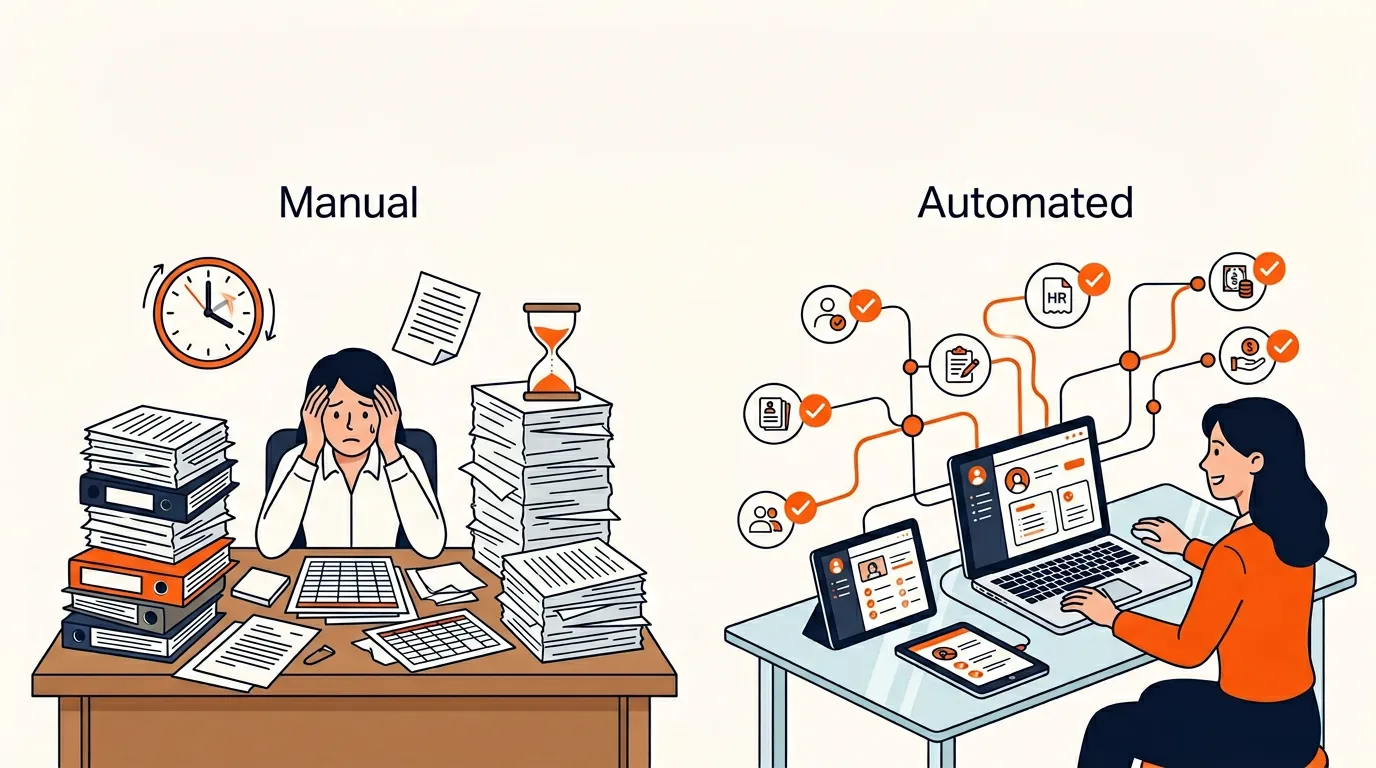
HR processes become harder to manage as teams grow. Manual tasks that worked for a 10-person startup start breaking at 50 or 100 people. HR automation addresses three core problems.
It Eliminates Repetitive Manual Work
Spreadsheets, email chains, and paper-based systems create inconsistencies that compound over time.
- Manual errors: Spreadsheets and disconnected tools lead to data mismatches across payroll, time tracking, and employee records.
- Time drain: Manually handling payroll runs , leave approvals , and document management slows down the entire team.
- Resource misallocation: HR teams spend disproportionate time on administrative tasks instead of employee development, culture, and retention strategy.
It Scales Workforce Management
Workforce management gets more complex with every new hire, location, or policy change. Without automation, these growing demands slow decision-making and increase overhead.
- Centralized data: Keep employee records, payroll, attendance , and performance data in one place instead of scattered across tools.
- Reduced manual workload: Automation handles approvals, notifications, data sync, and recurring tasks so teams can focus on strategic decisions.
- Scalable workflows: As your organization grows, automated processes adapt without requiring proportional headcount increases in HR.
It Reduces Compliance Risk
Compliance with employment laws, tax regulations, and reporting requirements consumes a disproportionate share of HR time. Manual tracking of legal updates, filings, and payroll calculations invites costly errors.
- Automated updates: Compliance rules change frequently. Automated tools apply updates without manual tracking.
- Accurate calculations: Payroll, tax withholdings, and benefits calculations run consistently without human error.
- Audit trails: Automated systems log every action, making audits faster and less stressful.
Key Factors for Choosing HR Automation Software
Not all HR tools solve the same problem. Before comparing specific platforms, consider these factors:
- Automation Depth: Does the tool automate workflows, approvals, reminders, and conditional rules, or just digitize forms?
- Integrations: Can it connect with your existing tech stack (payroll, accounting, communication, project management)?
- Ease of Use: Is the platform accessible to non-technical users, or does it require developer support to configure?
- Compliance Coverage: Does it handle the tax, labor, and regulatory requirements relevant to your locations?
- Scalability: Can the tool grow with your team without requiring a platform migration?
- Agent and AI Capabilities: Can the platform use AI agents , LLM routing, or intelligent automation to handle more complex decisions?
Quick Comparison: HR Automation Software
This guide splits tools into two sections. Section A covers automation platforms that can handle HR workflows as part of broader business automation. Section B covers dedicated HR software built specifically for people operations.
Section A: Automation Platforms
Tool | Type | How It Handles HR | Best For |
Craze | Multi-model AI workspace | AI agents and workflows for HR tasks like onboarding checklists, document routing, approval chains | Teams using AI-first approaches to automate cross-functional work |
Make | Visual automation platform | Complex, branching HR workflows with conditional logic and data transformation | Operations teams needing detailed, multi-step automations |
n8n | Open-source workflow automation | Custom HR integrations with code flexibility (JavaScript/Python) and self-hosting | Technical teams wanting full control and data privacy |
Zapier | No-code automation platform | Connects HR apps with 8,000+ integrations; AI agents for autonomous tasks | Non-technical teams connecting fragmented HR tools |
Section B: Dedicated HR Software
Tool | Type | What It Automates | Best For |
Rippling | Unified HR, IT, and finance | Onboarding, payroll, benefits, device provisioning, app access | Mid-market companies wanting HR + IT in one platform |
BambooHR | Core HRIS | Onboarding, PTO, performance reviews, employee records | SMBs wanting a clean, user-friendly HRIS |
Gusto | Payroll-first HR platform | Payroll, benefits, tax filing, compliance | Small US-based teams needing reliable payroll and benefits |
Deel | Global employment platform | Global payroll, EOR, contractor management, multi-country compliance | Companies hiring internationally across 150+ countries |
Paycor | HCM platform | Payroll, talent management, workforce analytics, compliance | Mid-market to enterprise organizations with complex payroll needs |
Section A: Automation Platforms
These platforms are not built exclusively for HR. They handle workflows across marketing, operations, finance, and other departments too. The advantage: one platform for cross-functional automation instead of siloed tools per department.
1. Craze
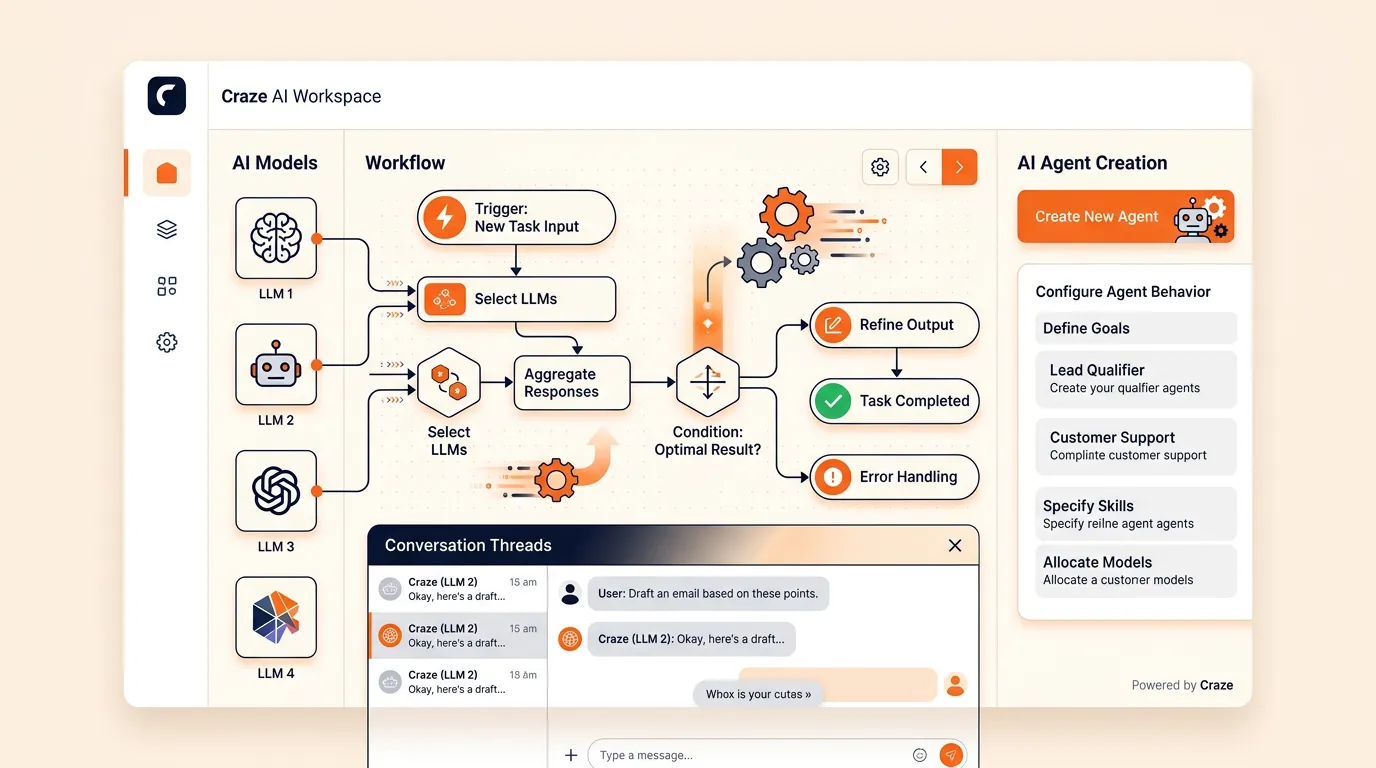
Craze is a multi-model AI workspace where teams can work with different LLMs, create AI agents, and run AI-assisted workflows. For HR automation, this means building agents that handle repetitive processes like onboarding checklists , document collection, approval routing, and employee communication without switching between multiple tools.
Key Features:
- Multi-model access: work with different LLMs in one place to choose the best model for each task.
- AI agent creation: build agents that handle repeatable HR workflows (onboarding sequences, document reminders, approval chains).
- Conversations and automation: combine chat-based AI interactions with structured workflow automation.
- Cross-functional: the same platform handles HR, operations, content, research, and other workflows.
Best For: Teams that want to use AI agents and LLM-powered workflows to automate HR tasks as part of a broader AI-first work approach, rather than buying a dedicated HR tool.
Pros:
- One workspace for multiple AI models and agent-based automation.
- Not limited to HR; handles automation across departments.
Cons:
- Not a dedicated HRIS, so it does not replace the need for a core employee records system.
- Best suited for teams already adopting AI tools in their workflows.

2. Make
Make (formerly Integromat) is a visual automation platform that lets teams build complex, multi-step workflows by connecting apps through a drag-and-drop interface. For HR, it handles onboarding sequences, leave management routing, payroll data sync, and compliance tracking through conditional logic and data transformation.
Key Features:
- Visual workflow builder with routers, filters, and conditional branching for complex HR decision trees.
- 3,000+ pre-built app connections, including HRIS, payroll, and communication tools.
- Built-in data manipulation for transforming and syncing employee data across systems.
- AI modules for tasks like summarizing performance reviews or categorizing applications.
- Error handling with automated retries and alerts for critical HR processes.
Best For: Operations and HR teams that need sophisticated, branching automations with detailed control over data flow between multiple systems.
Pros:
- Deep customization for complex workflows that simpler tools cannot handle.
- Strong observability with execution logs and analytics dashboards.
- Cost-efficient at scale for high-volume, multi-step workflows.
Cons:
- Steeper learning curve than simpler automation tools; requires time to master field mapping and scenario architecture.
- Support response times can be inconsistent.
3. n8n
n8n is an open-source workflow automation platform that combines a visual, node-based editor with the ability to write JavaScript or Python code within workflows. For HR teams with technical resources, it offers deep customization and full data control through self-hosting.
Key Features:
- Visual node-based editor with inline JavaScript/Python for custom logic.
- 400+ native integrations, plus an HTTP request node for connecting any API.
- AI agent nodes for building LLM-powered HR workflows with reasoning and memory.
- Self-hostable for full control over employee data and security compliance.
- Triggers and scheduling for automated onboarding, reminders, and recurring HR tasks.
Best For: Technical teams and developers who want full control over their HR automation, need self-hosting for data privacy, or want to embed code logic into workflows.
Pros:
- Open-source with self-hosting option for complete data control.
- Hybrid approach: visual builder plus real code for complex logic.
- Active community and growing integration library.
Cons:
- Steeper learning curve for non-technical users; expressions, error handling, and AI wiring require technical comfort.
- Performance can lag with very large or complex automations.
- Documentation has gaps in some areas; community forums fill in, but direct support is limited.
4. Zapier
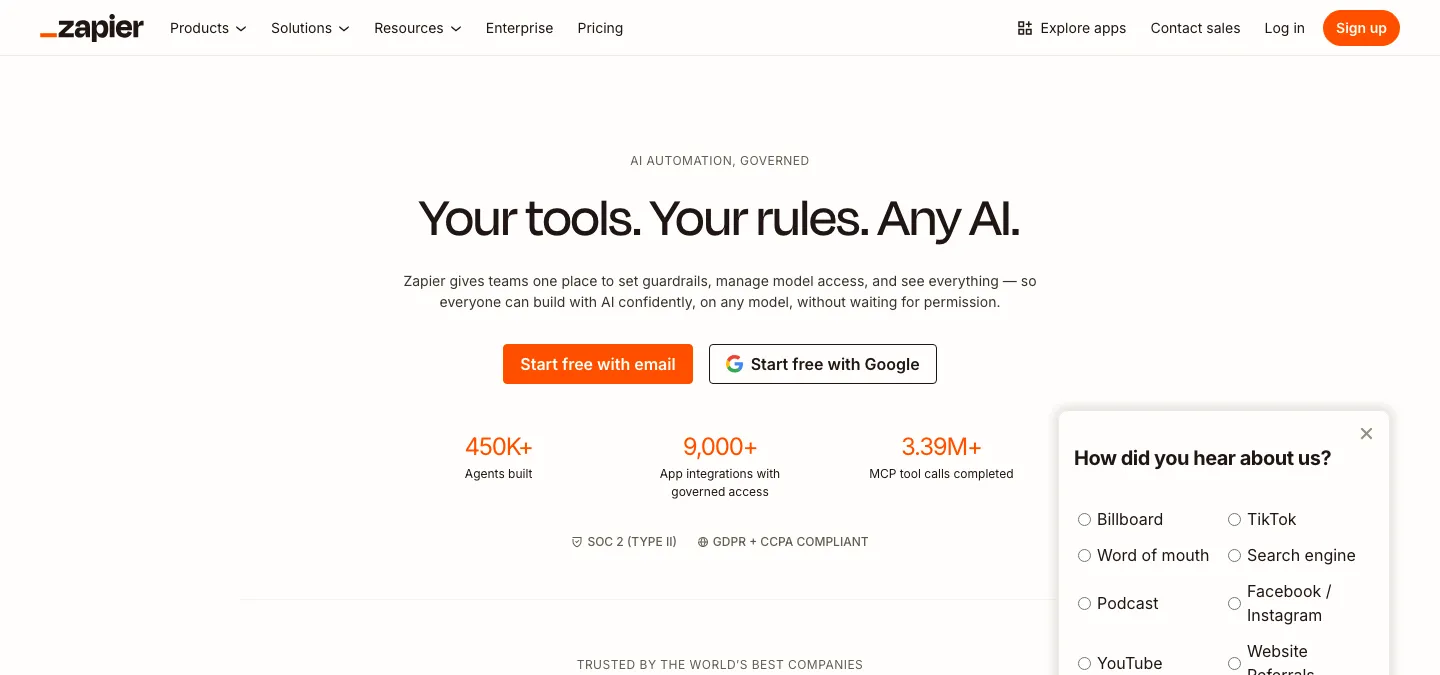
Zapier is a no-code automation platform with the largest app integration library in the category (8,000+ connections). It automates HR workflows by connecting tools like your ATS, HRIS, payroll, Slack, and email without requiring any code. Recent additions include AI agents, AI-powered chatbots, and built-in data tables.
Key Features:
- No-code workflow builder with “Copilot” for building automations via natural language.
- 8,000+ app integrations, including Workday, BambooHR, Greenhouse, Slack, and most HR tools.
- AI agents for autonomous task execution and AI chatbots for employee support.
- Built-in “Tables” for lightweight data storage and “Interfaces” for custom forms and dashboards.
- Enterprise controls: audit logs, SSO, granular permissions, SOC 2 and GDPR compliance.
Best For: Non-technical HR and operations teams that need to connect many apps quickly without developer support.
Pros:
- Easiest setup in the category; accessible to non-technical users.
- Industry-leading breadth of native integrations.
- Exceptional uptime and reliability for production workflows.
Cons:
- Task-based pricing can get expensive at high automation volumes.
- Lacks native loops and advanced error handling that power users may need.
- Email-only support on lower-tier plans.
Section B: Dedicated HR Software
These platforms are purpose-built for people operations with native modules for payroll, benefits, onboarding, compliance, and employee management. The advantage: deeper HR functionality out of the box without configuration overhead.
1. Rippling
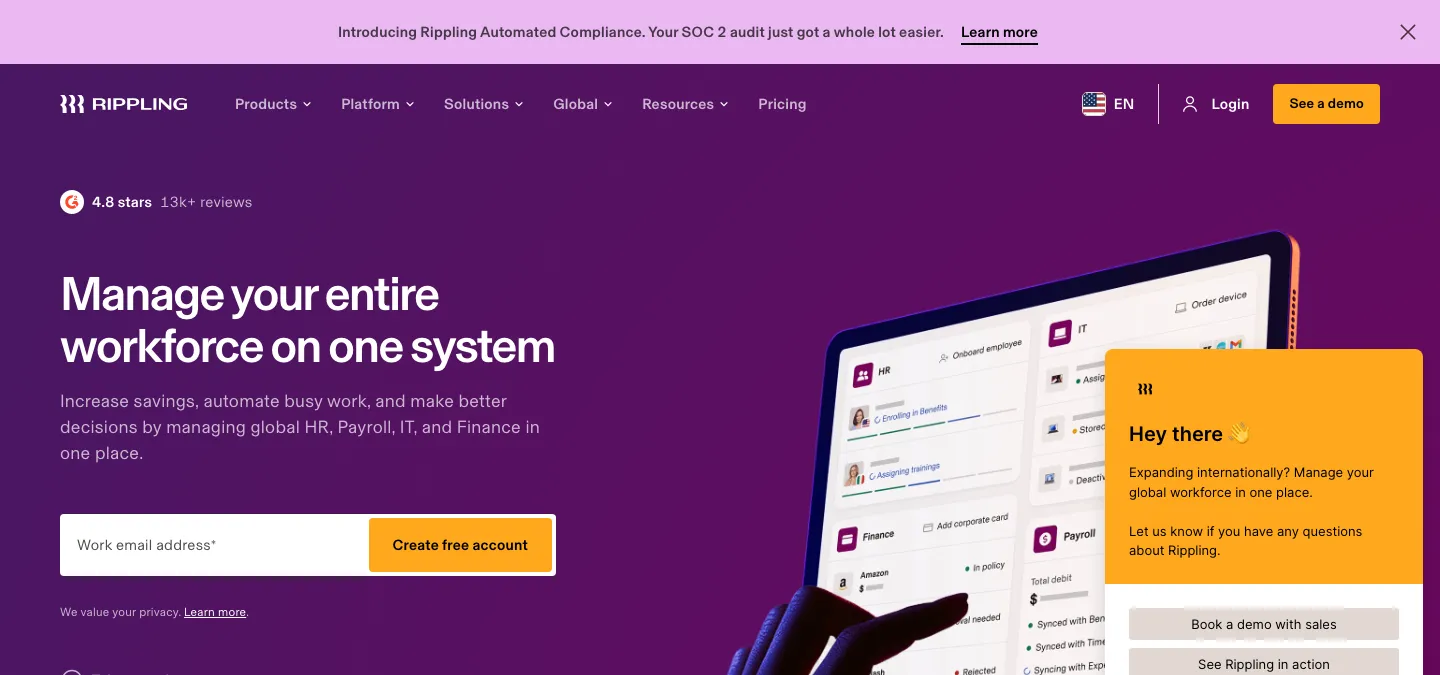
Rippling unifies HR, IT, and finance into a single platform. Its standout capability is cross-functional automation: when you onboard a new hire, Rippling can automatically set up payroll, provision their laptop, grant software access, and enroll them in benefits in one workflow.
Key Features:
- Unified HR, IT, and finance with a single employee graph powering all modules.
- Automated state registration and multi-state compliance for US-based companies.
- Device management and app provisioning tied directly to the employee lifecycle.
- Custom workflow builder for automating approvals, notifications, and policy enforcement.
- Global payroll in 50+ countries.
Best For: Mid-market, tech-forward companies that want HR and IT managed from one platform with strong cross-functional automation.
Pros:
- True unification of HR, IT, and finance reduces duplicate data and manual handoffs.
- Powerful automation engine that triggers actions across departments.
- Strong multi-state and multi-country compliance.
Cons:
- Can be complex to fully configure due to the breadth of modules.
- Higher cost compared to single-function HR tools.
2. BambooHR
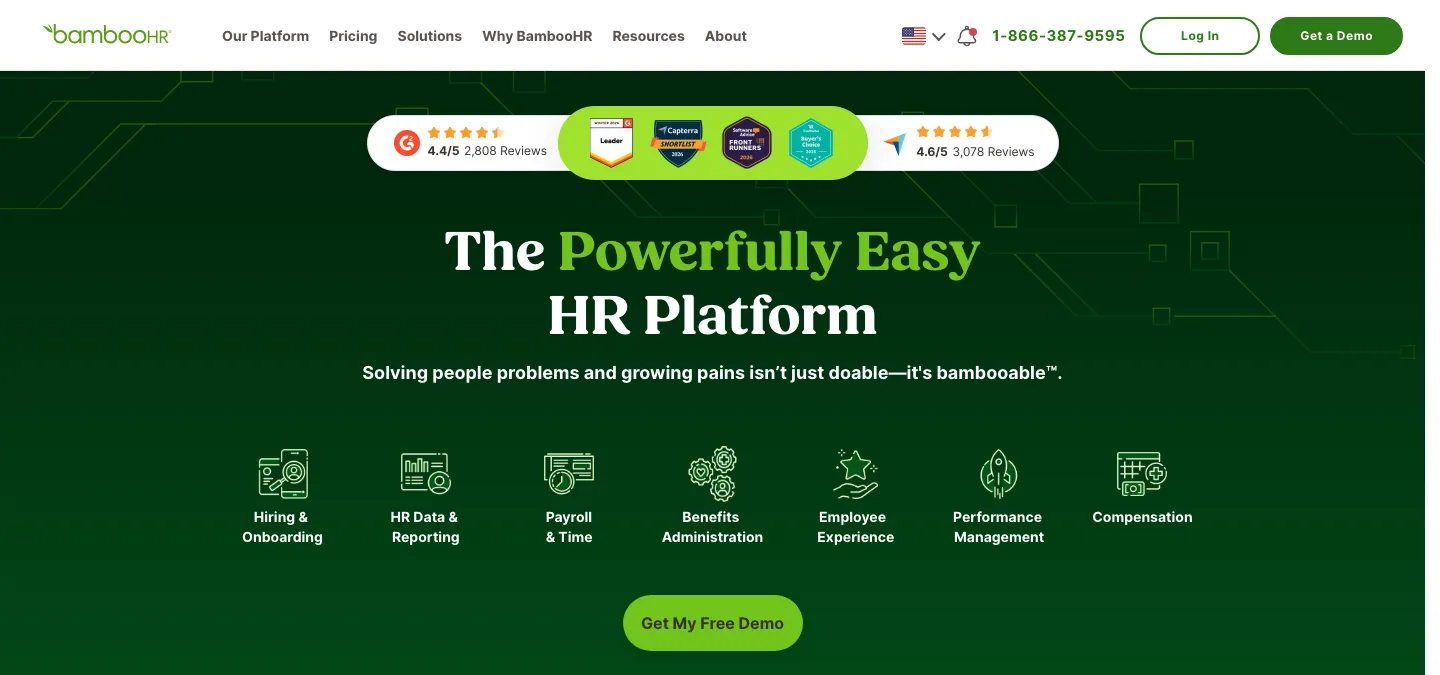
BambooHR is a core HRIS focused on employee experience. It covers onboarding, PTO tracking, performance management, and employee records with an interface designed for simplicity and quick adoption.
Key Features:
- Employee self-service for PTO requests, personal info updates, and document access.
- Onboarding workflows with task assignments, e-signatures, and welcome packets.
- Performance management with review cycles, goal tracking, and feedback tools.
- Reporting and analytics dashboard for headcount, turnover, and engagement metrics.
Best For: SMBs (25 to 500 employees) that need a clean, user-friendly HRIS without the complexity of enterprise platforms.
Pros:
- Intuitive interface with fast adoption across teams.
- Strong onboarding and people-ops features.
- Good ecosystem of integrations for payroll and benefits partners.
Cons:
- No native payroll engine; requires pairing with a separate payroll provider.
- Less suited for complex, multi-country operations.
3. Gusto
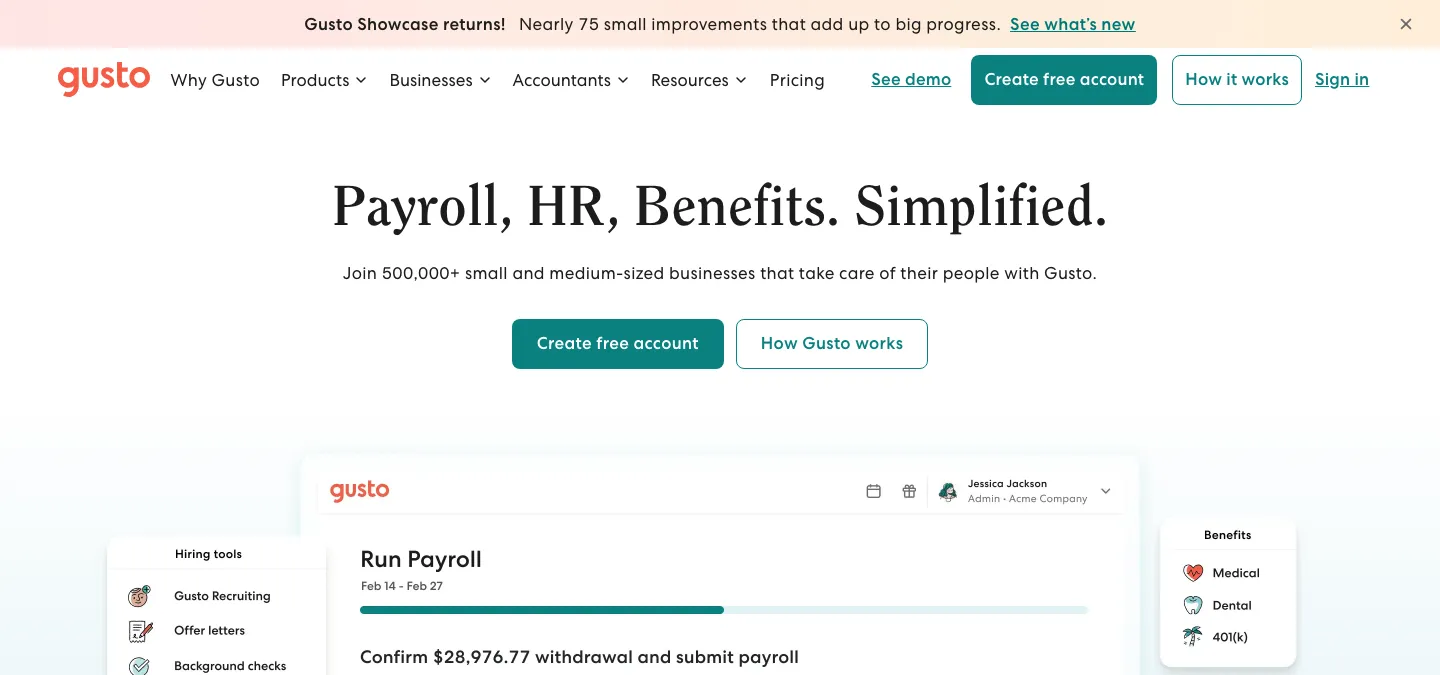
Gusto is a payroll-first HR platform built for small US-based businesses. It handles full-service payroll, tax filing, benefits administration, and basic HR features with transparent pricing and minimal setup.
Key Features:
- Full-service payroll with automatic tax calculations, filings, and year-end reporting.
- Benefits administration including health insurance, 401(k), and workers’ comp.
- Employee self-service with pay stubs, tax documents, and benefits enrollment.
- Built-in compliance tools for federal, state, and local requirements.
Best For: Small US-based teams (1 to 200 employees) that want reliable payroll and benefits without managing a complex HRIS.
Pros:
- Transparent, straightforward pricing.
- Excellent payroll reliability and US tax compliance.
- Easy onboarding with a clean, modern interface.
Cons:
- US-only; does not support international payroll or global teams.
- Limited performance management and advanced HR features compared to full HRIS platforms.
4. Deel
Deel is a global employment platform that handles international hiring, payroll, and compliance across 150+ countries. It acts as an Employer of Record (EOR), allowing companies to hire globally without establishing local legal entities.
Key Features:
- EOR services in 150+ countries with localized contracts and compliance.
- Global payroll for employees and contractors with multi-currency support.
- Automated tax and benefits compliance per country.
- Built-in contractor management with invoicing and payment automation.
- Immigration and visa support for international hires.
Best For: Companies hiring internationally that need compliant employment, payroll, and contractor management across multiple countries.
Pros:
- Industry-leading global coverage for EOR and contractor management.
- Reduces the legal and compliance burden of international hiring significantly.
- Fast onboarding for global hires.
Cons:
- EOR fees can be significant for large international teams.
- Less depth in core HRIS features (performance, engagement) compared to platforms like BambooHR.
5. Paycor
Paycor is an HCM (Human Capital Management) platform with deep payroll expertise and scalable infrastructure. It covers the full employee lifecycle from recruiting through retirement, with particular strength in payroll processing, tax filing, and workforce analytics.
Key Features:
- Payroll processing with automated tax filing and compliance for all US states.
- Talent management: recruiting, onboarding, performance, and learning modules.
- Workforce analytics and reporting for labor costs, turnover, and compliance.
- Benefits administration with carrier connectivity and open enrollment automation.
Best For: Mid-market to enterprise organizations (200+ employees) with complex payroll requirements and multi-state operations.
Pros:
- Deep payroll and tax-filing expertise with strong US compliance coverage.
- Comprehensive HCM suite covering the full employee lifecycle.
- Scalable for organizations with complex regulatory and reporting needs.
Cons:
- Can feel heavyweight for smaller teams with simpler needs.
- Implementation timelines can be longer due to the breadth of modules.
How to Choose: Automation Platform vs Dedicated HR Software
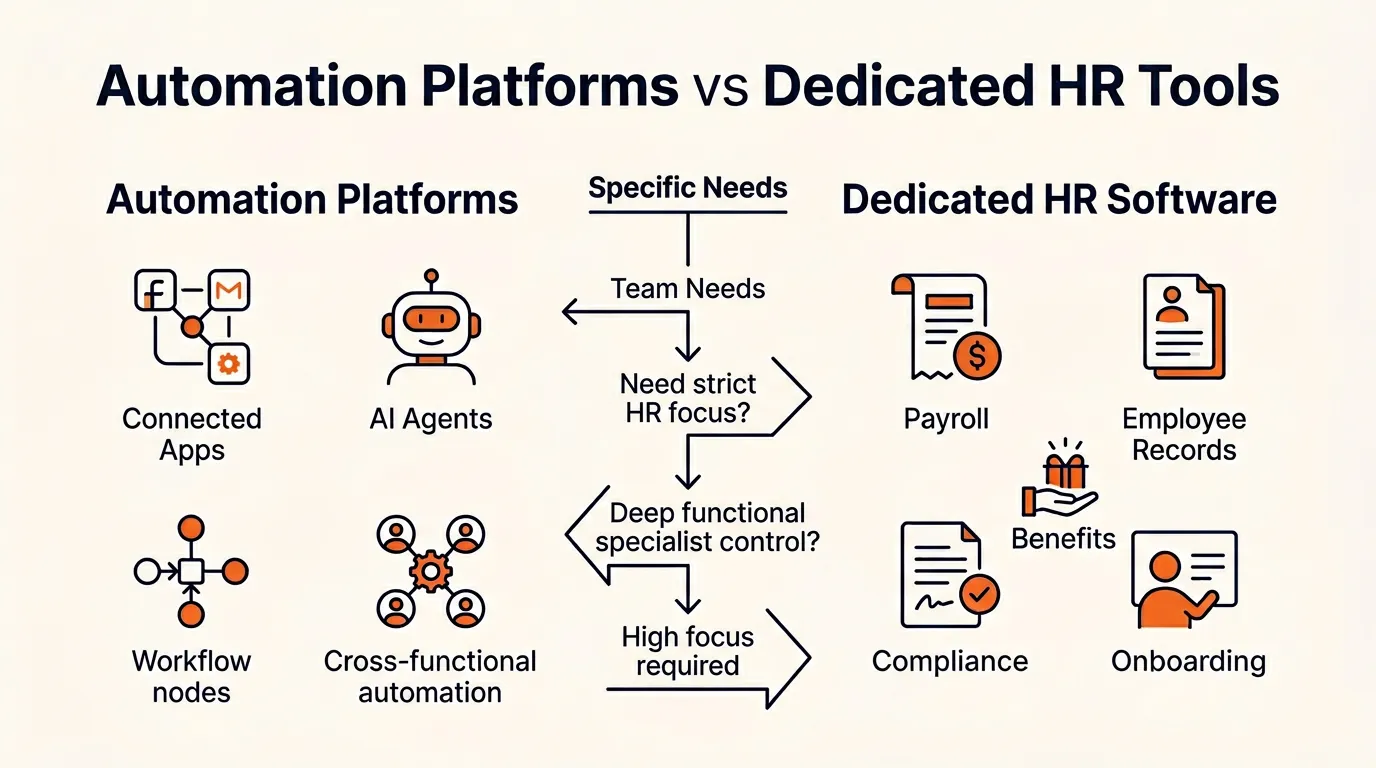
The right choice depends on your team size, technical resources, and where your biggest HR pain points are.
Choose an Automation Platform If:
- You need cross-functional automation. Your HR workflows connect to tools in other departments (finance, IT, operations) and you want one platform to automate all of them.
- You already have HR tools you like. You do not want to replace your existing HRIS or payroll provider; you want to connect them and automate the gaps between them.
- You want AI-powered workflows. You want to use AI agents, LLM routing, or intelligent automation to handle decisions and tasks that go beyond simple if-then rules.
- Your team is technical or AI-forward. You have the technical comfort to configure workflows, or you want to experiment with agent-based automation.
Choose Dedicated HR Software If:
- You need built-in HR functionality. Payroll processing, benefits administration, compliance tracking, and employee records need to work out of the box without configuration.
- Compliance is a primary concern. You operate in multiple states or countries and need automated tax filing, regulatory updates, and audit trails built into the platform.
- You want minimal setup. Your team needs to be up and running quickly with onboarding, PTO, and payroll without building custom workflows.
- You are scaling headcount fast. Purpose-built HR platforms handle the complexity of rapid growth (benefits enrollment, multi-state payroll, performance reviews) more smoothly than a general automation layer.
Decision Checklist
Use this checklist to narrow your choice:
- Primary pain point: Is it connecting disconnected tools (automation platform) or replacing manual HR processes (dedicated HR software)?
- Compliance requirements: Do you need built-in tax filing, regulatory updates, and state registrations? That points to dedicated tools.
- Integrations: Map your current tech stack. If you need to connect 5+ tools, an automation platform may save time.
- Technical resources: Do you have someone comfortable configuring workflows, or do you need a plug-and-play solution?
- AI readiness: If you want to experiment with AI agents for HR, automation platforms are further ahead.
- Team size and growth: Sub-50 teams can often start with automation platforms; 100+ teams with complex compliance usually benefit from dedicated HR software.
Verdict
There is no single best HR automation tool for every team. The right choice depends on how you work and what problems you are solving.
If you want cross-functional automation and AI-powered workflows, start with an automation platform. Zapier is the easiest to get started with; Make gives you the most control over complex workflows; n8n is ideal if you want self-hosting and code flexibility; and Craze is built for teams adopting AI agents across their work.
If you need purpose-built HR functionality, choose a dedicated tool. Rippling is the strongest choice for unified HR + IT; BambooHR is the best HRIS for people-ops focused SMBs; Gusto is the most reliable payroll-first option for small US teams; Deel leads for global hiring and compliance; and Paycor scales well for mid-market organizations with complex payroll needs.
Many teams end up using both: a dedicated HR tool for core operations, and an automation platform to connect everything and handle the workflows between systems. If you are also evaluating payroll automation tools or AI recruiting tools , those guides follow a similar framework.
FAQs
What are the essential features of HR automation software?
Look for workflow automation (approvals, reminders, rules), payroll processing, attendance and leave tracking, employee records management, and performance tools. The best platforms also offer integrations with your existing tech stack, self-service portals for employees, and reporting dashboards.
Can I start with an automation platform and add dedicated HR tools later?
Yes. Many teams begin with a general-purpose automation platform to connect the tools they already use, then add a dedicated HRIS or payroll system as headcount and compliance complexity grow. Most automation platforms integrate with dedicated HR software, so the two approaches work well together.
How do I estimate the ROI of HR automation?
Calculate the hours your team spends on repetitive tasks each week (data entry, leave approvals, payroll prep), multiply by average hourly cost, and compare that against the software cost. Factor in error reduction, faster onboarding, and fewer compliance penalties as indirect savings.
What is the difference between an automation platform and dedicated HR software?
An automation platform (like Zapier, Make, or n8n) connects multiple apps and automates workflows across your entire tech stack. Dedicated HR software (like Rippling, BambooHR, or Gusto) is purpose-built for HR functions such as payroll, benefits, performance, and compliance. Automation platforms offer flexibility across departments; dedicated tools offer deeper HR-specific features.
More Articles
15+ AI Agent Examples That Are Actually Delivering Results

See real AI agent examples from companies like Uber, TELUS, and Intercom. Organized by function with actual business results, not just product names.
AI Agent Builders: How to Pick the Right Approach for Your Team
Compare no-code AI agent builders, developer frameworks, and custom approaches. Includes a decision matrix, cost ranges, and production readiness checklist.
How to Build an AI Agent (Even If You Can't Code)
Learn how to build an AI agent using no-code tools, frameworks like LangChain, or custom Python. Covers scoping, costs, and mistakes to avoid.


