
How to Automate Employee Onboarding (Step-by-Step Guide for Modern Teams)
Learn how to automate employee onboarding with a step-by-step guide built for modern teams. Save time, reduce errors, and onboard faster starting now.

By: Deepit Patil
Co-Founder and CTO
Published
Updated
Edited by Craze Editorial Team · See our Editorial Process
You have probably lived this scenario: a new hire is excited on their first Monday, but their laptop arrives late, accounts are not set up, and teams ping HR asking for missing details. That is not just an HR oversight. It is what happens when onboarding is manual, siloed, and disconnected.
In competitive hiring markets where clarity and speed matter more than ever, structured onboarding is not optional. Around 64% of employees report that role-specific onboarding significantly improves job clarity, yet many processes remain manual or inconsistent.
This guide walks you through how to automate employee onboarding, with a practical, end-to-end approach you can implement today.
Key Takeaways
-
Effective onboarding automation connects HR, IT, payroll, access, and assets into one continuous workflow.
-
Automation relies on trigger-based workflows, not manual coordination or simple digitization.
-
Role-based onboarding ensures accurate access, assets, and training without security or setup gaps.
-
Tool sprawl causes delays and data duplication; single-platform systems maintain control and visibility.
-
AI-powered workflow tools can help teams design and run onboarding automations faster and with fewer errors.
What Does It Mean to Automate Employee Onboarding?
Automating employee onboarding means designing trigger-based workflows that run on their own once a key event occurs, not merely replacing paper forms with digital ones. Instead of HR, IT, and finance acting separately, automation connects these functions into a single flow.
In practice, onboarding automation enables these core actions:
-
Automated Offer and Contract Issuance: Offer letters, NDAs, and policy documents are generated and sent automatically once a candidate accepts the offer.
-
Automated Employee Data Collection: KYC documents, bank details, and statutory information are collected through structured workflows before Day 1.
-
Automated IT Access Provisioning: Official email IDs and role-based access to tools are provisioned automatically based on the assigned role.
-
Automated IT Asset Assignment: Laptops and accessories are mapped to the employee as part of onboarding, not through separate IT tickets.
-
Automated Payroll Data Sync: Salary structures, tax details, and compliance data flow directly into payroll without manual uploads.
With those mechanics clear, the next question is why this matters now more than ever.
Why Automating Employee Onboarding Is Critical Today
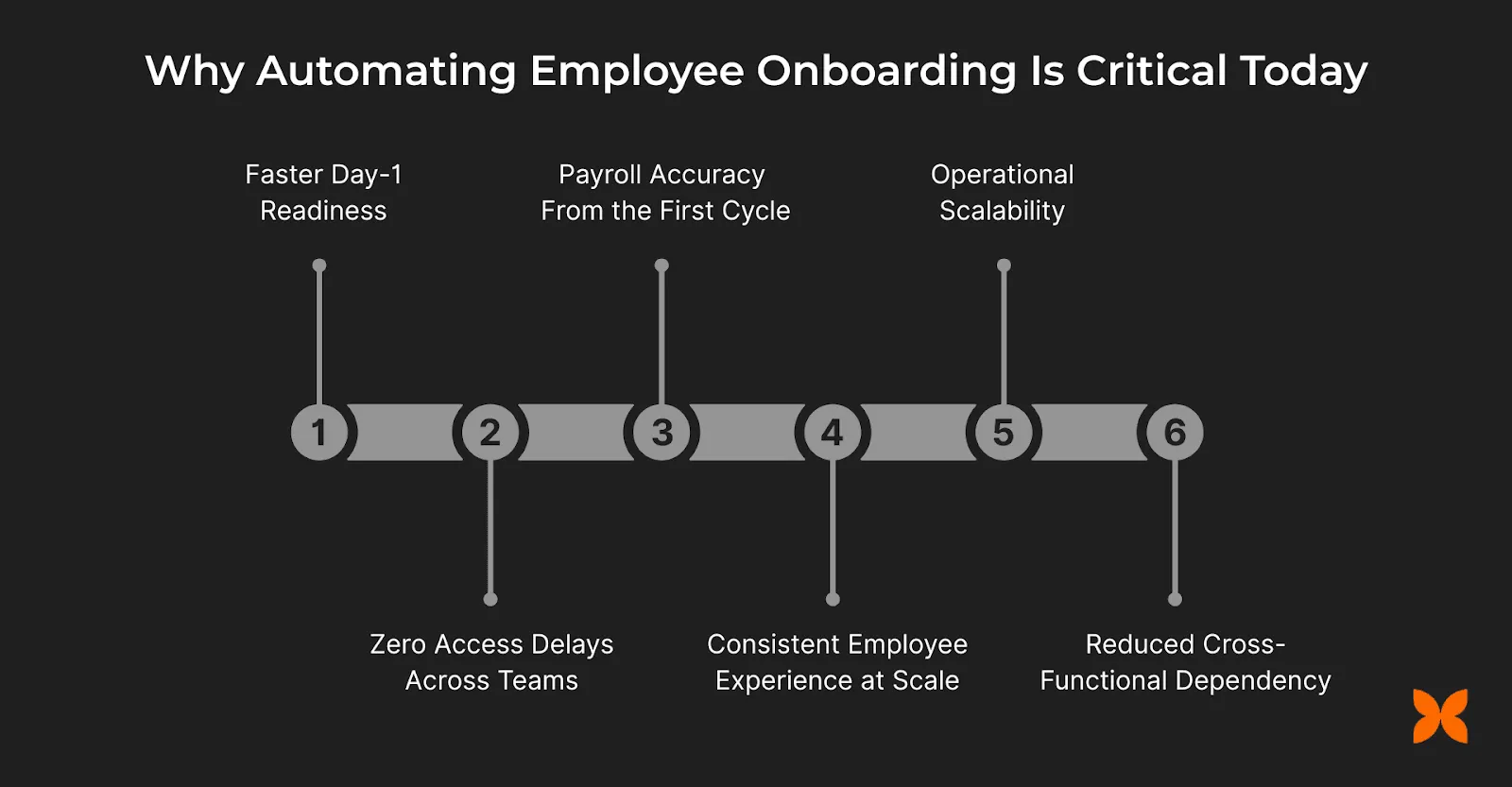
Employee onboarding has evolved from an administrative task into a business-critical process that directly affects productivity, compliance, and growth. As companies scale faster, manual coordination between HR, IT, finance, and managers becomes increasingly fragile. Here are the business outcomes that make automation essential:
-
Faster Day-1 Readiness: New hires start work fully prepared, with documents completed, systems ready, and responsibilities clear. This reduces idle time and accelerates time to productivity.
-
Zero Access Delays Across Teams: Role-based access to email, tools, and internal systems is provisioned automatically, eliminating last-minute IT escalations and security gaps.
-
Payroll Accuracy From the First Cycle: Compensation, bank details, and statutory information flow directly into payroll systems, preventing missed payments, corrections, and compliance risks.
-
Consistent Employee Experience at Scale: Every employee goes through the same structured onboarding journey, regardless of team or location, ensuring clarity and confidence from the first interaction.
-
Operational Scalability Without Headcount Spikes: As hiring volumes increase, onboarding does not rely on proportional increases in HR or IT effort. Workflows scale without breaking.
-
Reduced Cross-Functional Dependency: Automation minimizes back-and-forth between HR, IT, finance, and managers by defining ownership and sequencing tasks clearly.
The benefits are clear, but which parts of onboarding can actually be automated?
What Exactly Can Be Automated in Employee Onboarding?
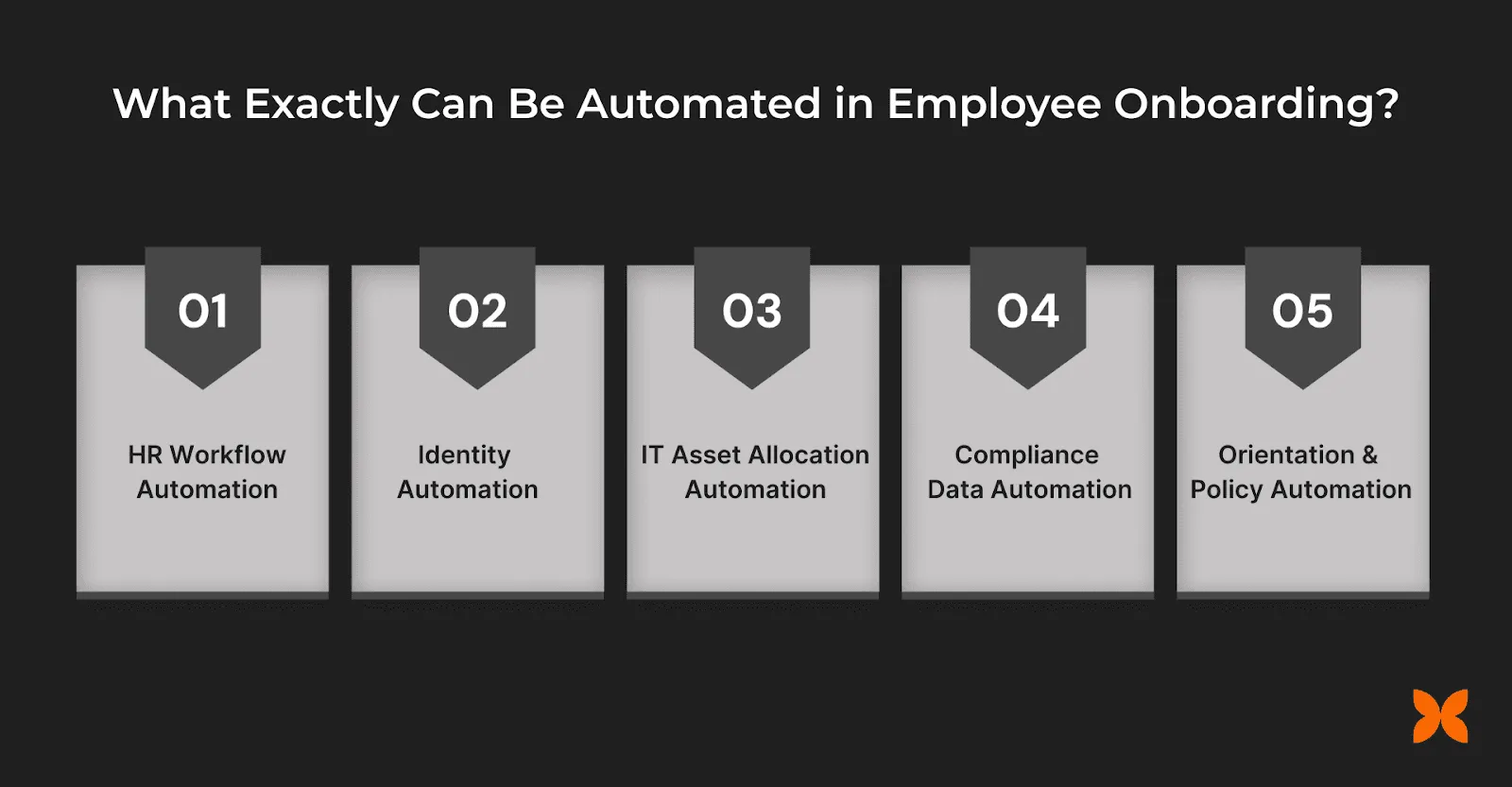
Employee onboarding involves far more than document collection or welcome emails. It spans HR, IT, finance, and managers, each with dependencies that slow things down when handled manually. Automation brings these moving parts together into structured, trigger-based workflows that activate at the right time.
HR Workflow Automation
HR workflow automation structures every people-related onboarding step into a single, traceable flow that progresses automatically once triggered. Instead of HR manually coordinating documents, follow-ups, and confirmations across tools, automation ensures tasks move forward in the right order.
-
Automated Offer Letter Generation: Offer letters are created using predefined templates and role-based details, ensuring accuracy and consistency across hires.
-
NDA and Policy E-Signing: Confidentiality agreements and company policies are sent digitally, tracked for completion, and stored automatically.
-
Structured Document Collection: Tax IDs, bank details, and statutory forms are collected through guided workflows, not email requests.
-
Centralized Employee Information Capture: Personal details, emergency contacts, and background information are gathered in one system before Day 1.
-
Policy Acknowledgement Tracking: Mandatory acknowledgements are logged automatically, creating a clear audit trail for compliance.
IT Access and Identity Automation (IAM)
IT access delays are one of the most common reasons onboarding breaks down. Identity and Access Management (IAM) automation replaces this uncertainty with role-based, policy-driven workflows that ensure access is created, modified, or revoked at the right moment.
-
Role-Based Access Provisioning: Access is assigned based on the employee’s role, department, and location, ensuring consistency and eliminating subjective decisions.
-
Automated Email Account Creation: Official company email IDs are generated automatically once onboarding is triggered, not after manual IT confirmation.
-
Tool Access Based on Least-Privilege Principles: Employees receive only the systems they need (HRMS, CRM, internal tools, or collaboration platforms), reducing security exposure.
-
Access Synchronization Across Systems: Changes in role or reporting structure automatically update permissions, preventing outdated or excessive access.
-
Immediate Access Revocation on Offer Withdrawal: If an offer is revoked or joining is canceled, all system access is automatically disabled, avoiding orphaned accounts.
IT Asset Allocation Automation
Managing laptops, accessories, and records via emails or spreadsheets leads to delays and accountability gaps. Linking asset allocation directly to onboarding triggers brings structure to this process.
-
Automated Laptop Assignment: Laptops are assigned based on role, location, or employment type, removing dependency on manual IT coordination.
-
Centralized Asset Tracking: Every device is logged with its current status, assigned employee, and lifecycle stage, creating a single source of truth.
-
Accessory Allocation Management: Accessories such as chargers, monitors, or peripherals are mapped alongside primary devices to avoid incomplete setups.
-
Clear Ownership Mapping: Asset ownership is linked directly to the employee profile, ensuring accountability throughout the employment lifecycle.
-
Remote Versus In-Office Logistics Handling: Separate workflows manage courier dispatch for remote hires and desk readiness for in-office employees.
Payroll and Compliance Data Automation
Payroll errors during onboarding usually stem from late, incomplete, or re-entered employee data. When bank details, salary structures, and tax information are collected across forms, emails, and spreadsheets, finance teams are forced to reconcile manually under tight deadlines.
-
Automated Bank Detail Collection: Employee bank information is collected through structured workflows and validated before payroll processing begins.
-
Digital Tax Declaration Capture: Investment declarations and tax-related information are gathered early, reducing last-minute payroll adjustments.
-
Predefined Salary Structure Assignment: Role- or grade-based salary structures are applied automatically, ensuring consistency and policy adherence.
-
Compliance Form Completion Tracking: Statutory and company-required forms are completed and logged systematically, supporting audit readiness.
-
Direct Payroll Data Synchronization: Onboarding data flows directly into payroll systems without manual uploads or duplicate entry.
Training, Orientation, and Policy Automation
Training and orientation often become fragmented once onboarding moves beyond documentation and access setup. New hires receive scattered links, unclear instructions, or inconsistent guidance depending on their team.
-
Auto-Assigned Training Programs: Mandatory induction and role-specific training are assigned automatically based on department or designation.
-
Role-Based Learning Content Delivery: New hires receive curated content relevant to their responsibilities, reducing information overload.
-
Structured Orientation Scheduling: Orientation sessions, introductions, and key meetings are scheduled automatically within the onboarding timeline.
-
Completion and Progress Tracking: Training and policy completion are tracked in real time, ensuring accountability and timely follow-through.
-
Manager-Level Visibility and Oversight: Managers can view onboarding progress without manual status updates, enabling timely support.
Now that the scope is clear, here is how to put it all into practice.
How to Automate Employee Onboarding (Step-by-Step)
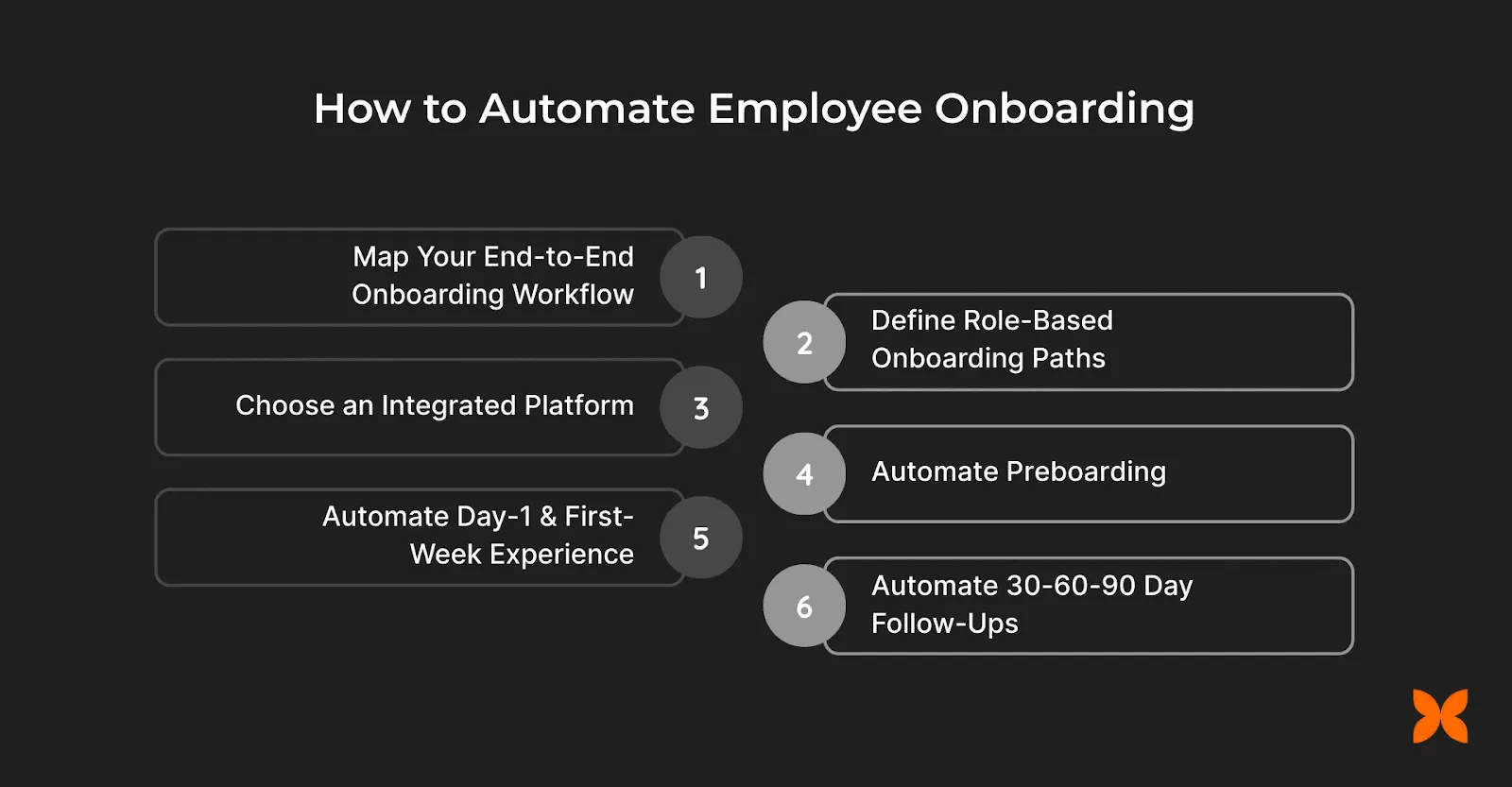
Automating employee onboarding requires more than enabling features. It demands a clear, sequenced execution plan that aligns HR, IT, finance, and managers around a single workflow. Each step below builds on the previous one.
Step 1: Map Your End-to-End Onboarding Workflow
Before automating anything, you need absolute clarity on how onboarding actually moves through your organization. Most delays occur because responsibilities are implicit, not defined.
-
Offer Acceptance as the Starting Trigger: Define the exact point at which onboarding formally begins and which systems are activated.
-
Sequential Task Ownership Across Teams: Clearly assign responsibility for each step across HR, IT, payroll, and reporting managers.
-
Data Flow Between Functions: Track how employee information moves from hiring to payroll without re-entry or loss.
-
Dependency Identification: Highlight steps that cannot begin until another task is completed, such as access after role confirmation.
-
First Salary as the Workflow Endpoint: Ensure all onboarding actions support accurate and timely inclusion in the first payroll cycle.
Step 2: Define Role-Based Onboarding Paths
Not all employees need the same access, assets, or training on Day 1. Treating onboarding as a single, uniform process creates inefficiencies and security risks. Role-based paths ensure each function receives exactly what it needs.
-
Sales Role Onboarding Path: Access to CRM systems, communication tools, customer data permissions, and sales playbooks is provisioned automatically.
-
Engineering Role Onboarding Path: Development tools, code repositories, testing environments, and security credentials are assigned based on engineering roles.
-
Operations Role Onboarding Path: Internal systems, workflow tools, and compliance-related access are configured to support operational responsibilities.
-
Role-Specific Asset Allocation: Hardware configurations and accessories vary by role and are assigned accordingly.
-
Targeted Training Assignment: Training content aligns with role expectations, reducing irrelevant learning and speeding up readiness.
Step 3: Choose an Integrated Platform (Not Multiple Tools)
Onboarding breaks down most often when it relies on a collection of disconnected tools. An HR system for documents, a ticketing tool for IT access, and separate payroll software create handoffs that are difficult to track and easy to miss.
-
Elimination of Tool Handoffs: Tasks no longer move between systems through emails or tickets, reducing delays and miscommunication.
-
Single Source of Employee Data: Employee information is captured once and used consistently across HR, IT, and payroll functions.
-
Workflow-Level Visibility: Teams can track onboarding progress end to end instead of relying on status updates from multiple owners.
-
Reduced Operational Complexity: Fewer tools mean fewer integrations to maintain and fewer points of failure.
-
Scalable Process Standardization: Onboarding workflows remain consistent as hiring volumes increase.
Step 4: Automate Preboarding
Preboarding covers everything that happens after offer acceptance and before Day 1, the phase where most onboarding delays originate. When these tasks are handled manually, teams scramble close to the joining date, increasing the risk of missed documents, incomplete setups, and payroll exclusions.
-
Early Document Completion Window: Employees complete required forms and upload well before joining, reducing Day-1 administrative load.
-
Pre-Configured Access Readiness: System access is prepared in advance and scheduled to activate on the joining date.
-
Advance Payroll Data Validation: Compensation and banking details are verified ahead of payroll cutoffs, preventing first-cycle exclusions.
-
Asset Dispatch Planning: Devices are allocated, and logistics are scheduled based on joining location and work mode.
-
Automated Readiness Checks: Pending tasks are flagged automatically, allowing teams to resolve gaps before Day 1.
Step 5: Automate Day-1 and First-Week Experience
Day 1 sets the tone for an employee’s entire journey. When readiness depends on memory or manual coordination, critical steps are often missed. Automating the Day-1 and first-week experience ensures that every task happens in a defined sequence.
-
Day-1 Readiness Checklist Execution: System-generated checklists confirm access, assets, and documentation are ready before work begins.
-
Automated Manager Task Assignment: Managers receive structured tasks such as introductions, role briefings, and goal setting at predefined milestones.
-
Tool Access Verification Workflow: Access activation is validated automatically, ensuring no missing permissions delay productivity.
-
First-Week Orientation Scheduling: Key sessions and meetings are scheduled as part of the onboarding timeline, not through manual coordination.
-
Early Issue Flagging Mechanism: Incomplete tasks or access gaps are highlighted immediately, enabling quick resolution.
Step 6: Automate 30-60-90 Day Follow-Ups
Onboarding does not end after the first week (and neither does offboarding when the time comes). Without structured follow-ups, early misalignment goes unnoticed until performance issues surface. Automating 30-60-90 day follow-ups ensures consistent check-ins, timely feedback, and alignment between employees and managers.
-
Scheduled Check-In Milestones: Automated reminders trigger structured check-ins at 30, 60, and 90 days to assess progress and engagement.
-
Standardized Feedback Collection: Employees and managers provide input through guided forms, ensuring consistency and actionability.
-
Early Performance Expectation Alignment: Role objectives and success metrics are reviewed and confirmed during each milestone.
-
Issue Escalation and Resolution Tracking: Identified gaps or concerns are logged and monitored until closure.
-
Progress Visibility for Leadership: Onboarding outcomes and early performance indicators are visible without manual reporting.
A Modern Automated Employee Onboarding Workflow
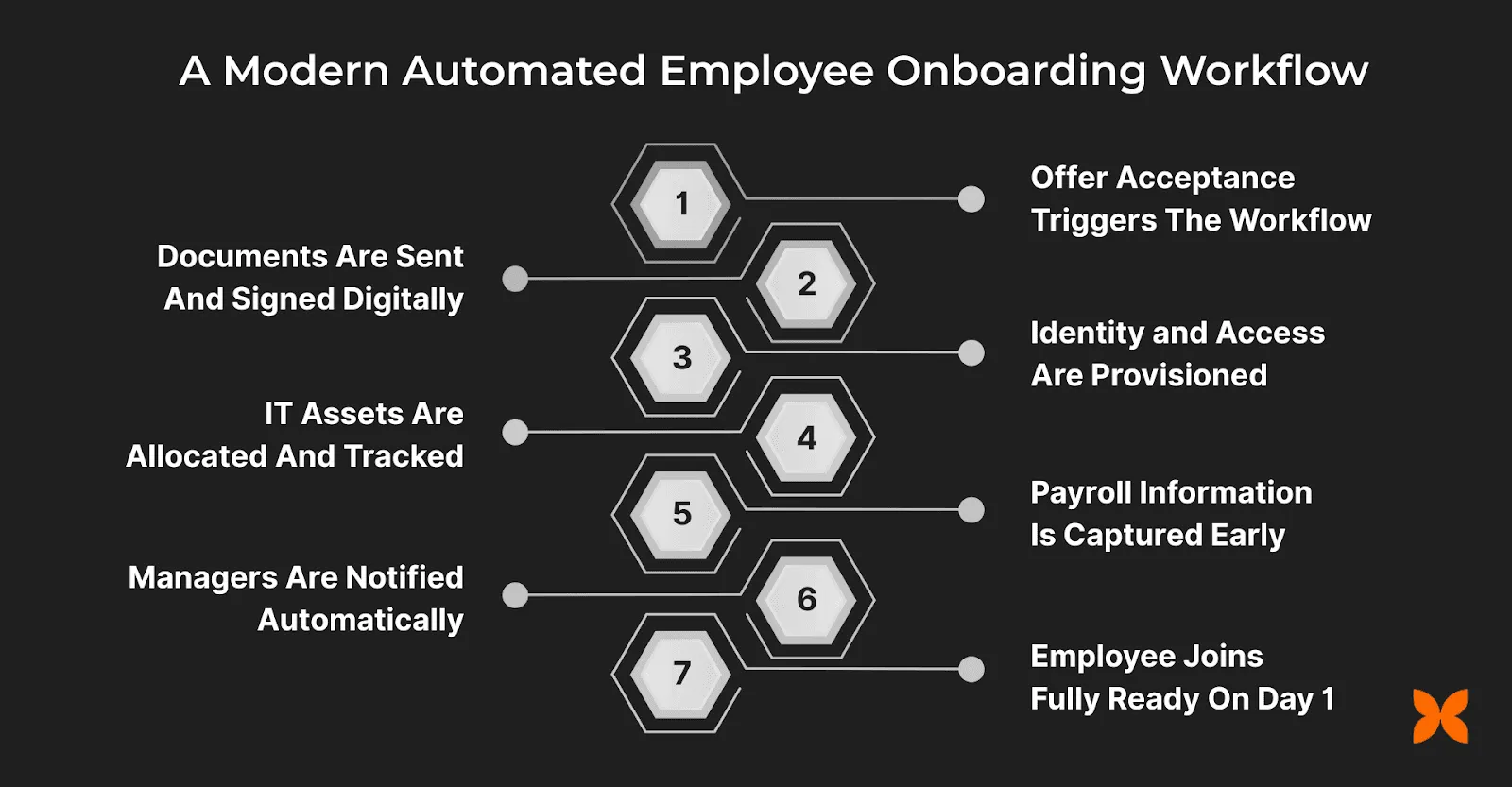
To see how these steps connect in practice, walk through a single onboarding scenario where each action triggers the next, moving smoothly across HR, IT, payroll, and managers:
-
Offer Acceptance Triggers the Workflow: The moment a candidate accepts the offer, onboarding workflows activate automatically without HR intervention.
-
Documents Are Sent and Signed Digitally: Offer letters, NDAs, and policies are issued, signed, and stored within the onboarding flow.
-
Identity and Access Are Provisioned: Role-based email and system access are prepared through Identity and Access Management workflows.
-
IT Assets Are Allocated and Tracked: Laptops and required accessories are assigned and mapped to the employee profile.
-
Payroll Information Is Captured Early: Bank details, salary structure, and statutory information flow directly into payroll.
-
Managers Are Notified Automatically: Reporting managers receive onboarding tasks and readiness updates without manual reminders.
-
Employee Joins Fully Ready on Day 1: Access, assets, documentation, and clarity are already in place when work begins.
Common Challenges in Onboarding and How Automation Solves Them
Even well-intentioned onboarding programs fail when execution depends on manual coordination across teams and tools. The most frequent breakdowns occur at handoff points: HR waits on IT, IT waits on approvals, and payroll waits on complete data.
-
IT Dependency Delays
-
Problem: Access and setup wait on tickets and availability.
-
Automation: Trigger-based workflows provision access automatically when prerequisites are met.
-
-
Access Misconfiguration Risks
-
Problem: New hires receive too much or too little access.
-
Automation: Role-based provisioning applies least-privilege rules consistently.
-
-
Payroll Errors and Missed Cycles
-
Problem: Incomplete bank or salary data leads to corrections.
-
Automation: Structured data capture syncs directly into payroll before cutoffs.
-
-
Tool Overload and Fragmentation
-
Problem: HR, IT, and payroll use separate systems with manual updates.
-
Automation: Integrated platforms maintain a single source of truth.
-
-
Lack of Progress Visibility
-
Problem: Teams rely on status emails and follow-ups.
-
Automation: Dashboards show real-time onboarding status across functions.
-
Even with these automations in place, many organizations still face execution gaps. The next section explains why.
Why Most Onboarding Automation Still Fails
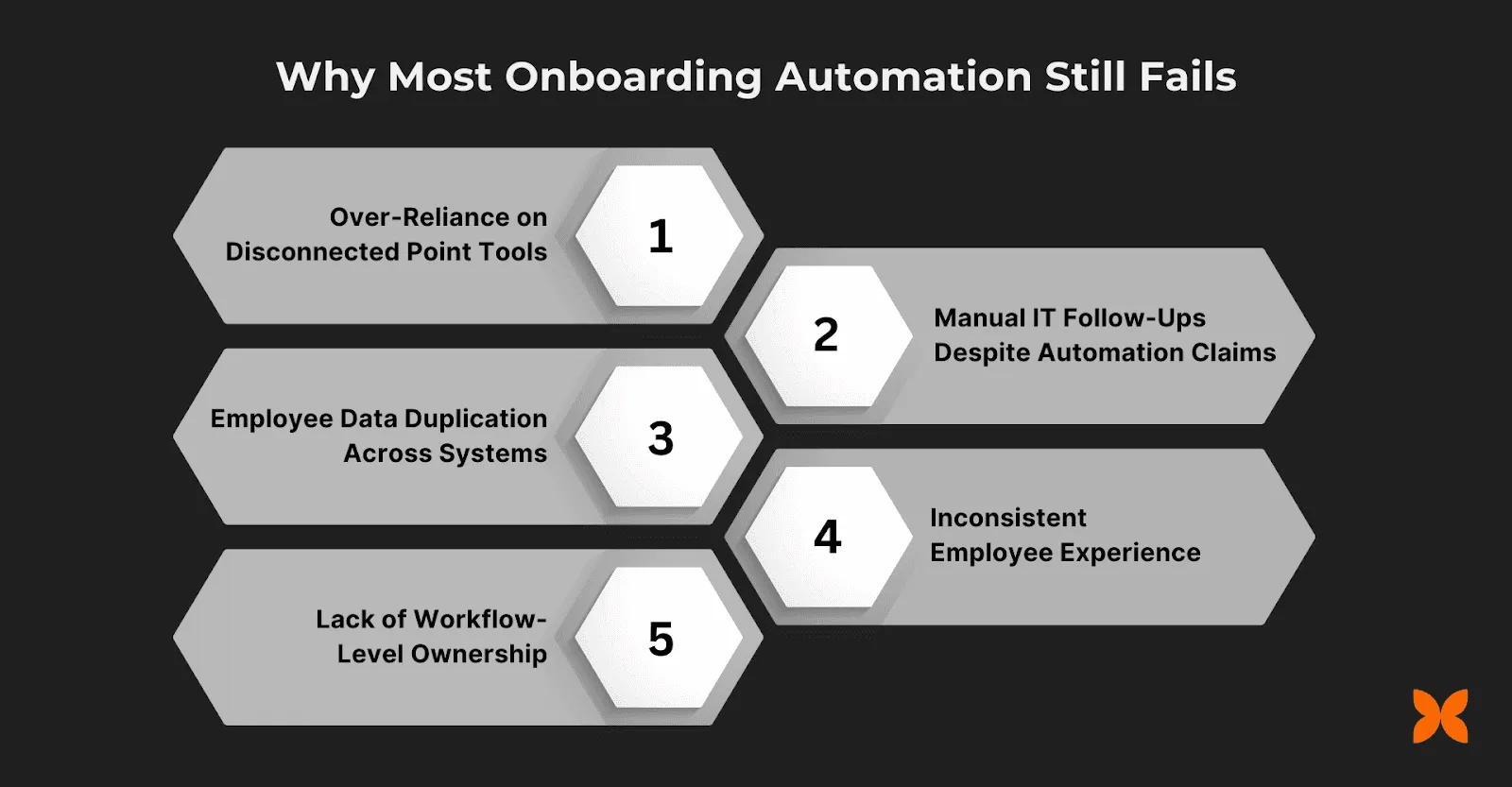
Many companies believe they have automated onboarding, yet the experience on the ground remains fragmented. The root cause: automation is often applied in isolation, within individual tools rather than across the full onboarding journey.
-
Over-Reliance on Disconnected Point Tools: HR systems, IT ticketing tools, and payroll software operate independently, breaking the onboarding flow at every handoff.
-
Manual IT Follow-Ups Despite Automation Claims: Access creation and approvals still depend on emails and tickets, delaying Day-1 readiness.
-
Employee Data Duplication Across Systems: The same information is entered multiple times, increasing errors and reconciliation effort.
-
Inconsistent Employee Experience: New hires encounter gaps, delays, and confusion despite “automated” processes running in the background.
-
Lack of Workflow-Level Ownership: No single system controls sequence, dependencies, or completion across functions.
The difference lies in approach. Point solutions automate tasks in isolation, while integrated platforms connect HR, IT, and payroll into one continuous workflow. Teams that use AI-powered workflow tools like Craze can design these end-to-end automations faster, using AI agents to map triggers, build sequences, and manage handoffs across functions.
How AI Workflow Tools Improve Onboarding Automation
The biggest gap in most onboarding setups is not the lack of automation. It is the lack of connected, intelligent orchestration across HR, IT, payroll, and managers. This is part of the broader shift toward AI-driven automation in HR . AI-powered workflow tools close this gap by helping teams design, test, and run multi-step onboarding automations without stitching together separate point solutions.
Here is how AI workflow tools strengthen onboarding automation:
-
Multi-Step Workflow Design: AI agents can help you map onboarding sequences across departments, identify dependencies, and build trigger-based flows that run without manual coordination.
-
Intelligent Handoff Management: Instead of relying on emails or tickets between teams, AI workflows route tasks automatically based on role, status, and completion criteria.
-
Faster Iteration and Testing: Teams can prototype onboarding workflows, test them with sample scenarios, and refine them before rolling out to real hires.
-
Consistent Cross-Functional Visibility: A single workspace where HR, IT, finance, and managers can track progress eliminates status-check overhead.
-
Scalable Without Added Complexity: As hiring volumes grow, AI-driven workflows scale consistently without requiring proportional increases in coordination effort.
With tools like Craze that bring multiple AI models into one workspace, teams can build onboarding agents, automate repetitive coordination tasks, and focus on the human side of welcoming new hires.
Conclusion
Learning how to automate employee onboarding is no longer a nice-to-have. It is a core business process that directly impacts productivity, security, and retention. By automating onboarding end-to-end, employees begin their journey with clarity and confidence, while teams experience fewer dependencies and minimal errors.
The key is connecting HR workflows, IT access, asset allocation, and payroll into one system rather than automating each in isolation. AI workflow tools make this easier by helping teams design, run, and refine these automations in a single workspace.
FAQs
Can onboarding automation handle IT access?
Yes. Modern onboarding automation includes Identity and Access Management (IAM), where email accounts, internal tools, and system permissions are provisioned automatically based on role and joining status. This ensures Day-1 readiness, enforces least-privilege access, and removes dependence on manual IT tickets or follow-ups.
How does onboarding connect to payroll?
Onboarding automation connects directly to payroll by capturing bank details, salary structures, and statutory information during the onboarding flow. This data syncs automatically into payroll systems, ensuring employees are included in the first salary cycle without re-entry, reconciliation errors, or last-minute payroll corrections.
Can onboarding be role-based?
Yes. Automated onboarding supports role-based workflows where access, assets, training, and documentation vary by function, such as sales, engineering, or operations. This ensures employees receive only what they need for their role, improving security, relevance, and speed to productivity from the start.
Is onboarding automation scalable as teams grow?
Onboarding automation is designed to scale without increasing manual effort. As hiring volumes rise, workflows run consistently without added HR or IT workload. Integrated platforms enable standardized onboarding across teams, locations, and headcount sizes while maintaining control and visibility.
More Articles
AI Agent Orchestration: What It Is and Why It Matters

AI agent orchestration coordinates multiple specialized agents to handle complex tasks no single agent can. Learn the patterns, building blocks, failure modes, and how to get started.
AI Agent Use Cases: Where Agents Actually Deliver Results
Explore the highest-impact AI agent use cases across customer support, sales, finance, IT, marketing, and HR, with real workflow patterns and adoption data.
AI Agent vs Chatbot: How They Actually Differ
AI agents and chatbots are not the same thing. Learn the real differences in how they work, what they cost, and which one your team actually needs.


