
How Automation and AI Are Transforming HR Practices
Learn how HR teams can use AI assistants, AI agents, and automation to reduce repetitive work, improve decisions, and build safer workplace workflows.

By: Deepit Patil
Co-Founder and CTO
Published
Updated
Edited by Craze Editorial Team · See our Editorial Process
AI is moving into everyday HR work, but the useful question is not whether HR teams should “use AI.” It is where AI can safely reduce repetitive work, where automation can make processes more consistent, and where human judgment must stay in control.
For most teams, the practical uses are already clear: drafting job descriptions, summarizing employee feedback, answering policy questions, preparing onboarding checklists, reviewing documents, and turning recurring HR steps into repeatable workflows.
This guide explains how automation, AI assistants, and AI agents are changing HR practices, where they help most, and what guardrails teams need before they rely on them.
What Are AI and Automation in HR?
AI and automation in HR refer to technologies that help HR teams complete repeatable work, understand large amounts of information, and make processes easier to manage.
Artificial intelligence (AI) helps with work that involves language, patterns, and judgment support. For example, an AI assistant can summarize a long policy, compare interview notes against a rubric, draft employee communication, or identify recurring themes in survey responses.
Automation handles predefined steps. For example, a workflow can send reminders, route an approval, create a checklist, or move information from one tool to another when a trigger occurs.
AI agents sit between these two ideas. They can use AI to interpret a request, decide the next step, and run a workflow with less manual prompting. In HR, that might mean preparing an onboarding plan from a role description, collecting missing information for a policy request, or drafting a manager-ready summary from multiple inputs.
Together, these tools help HR teams reduce manual effort while keeping sensitive decisions with people.
The Purpose of AI in HR
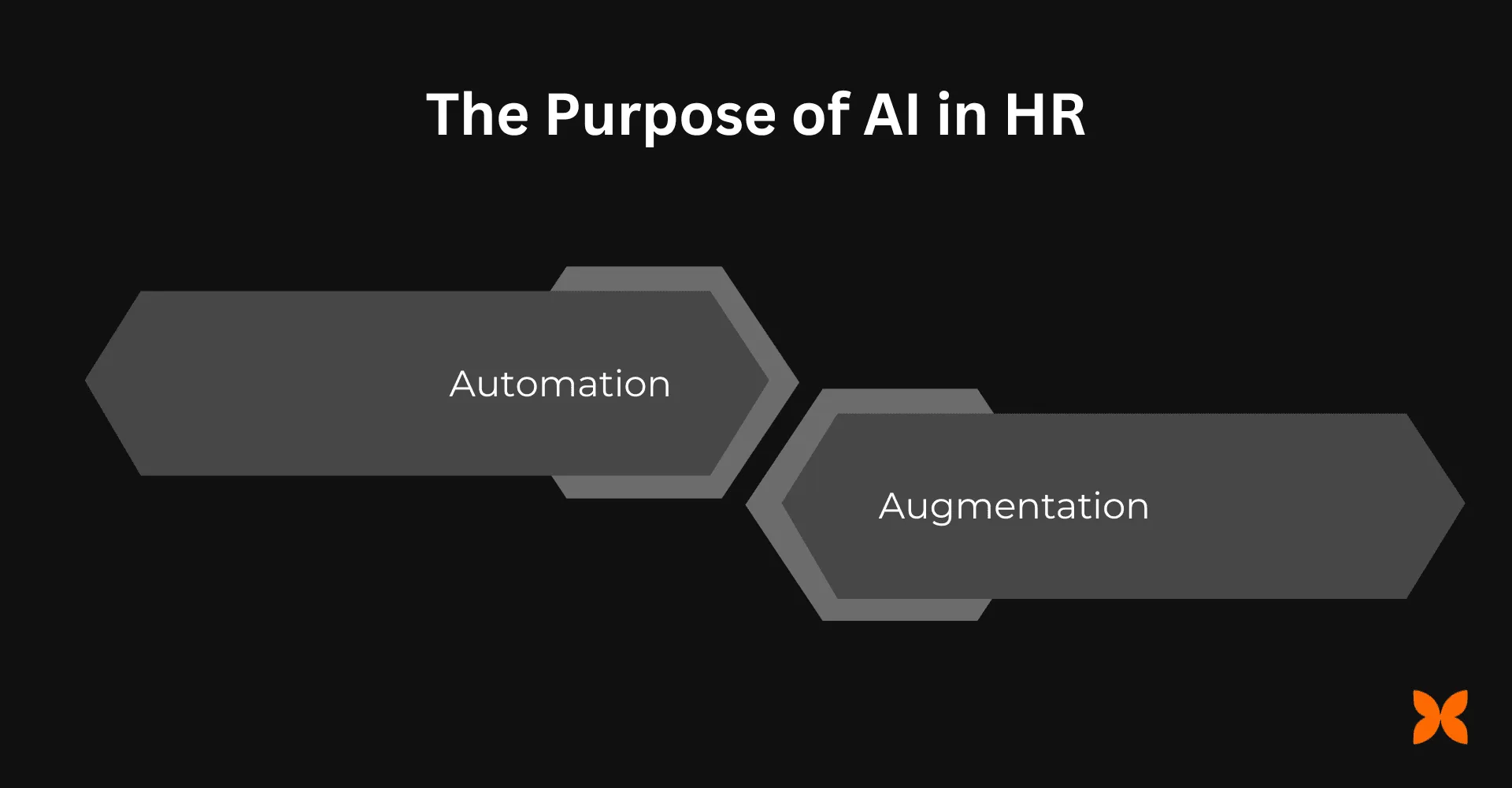
AI changes HR work in two main ways: automation and augmentation.
Automation
Automation removes repetitive steps from workflows that follow a clear pattern. For example, it can help HR teams:
-
Turn a new hire’s role, start date, and location into a draft onboarding checklist.
-
Route policy questions to the right owner when an answer needs review.
-
Send reminders when documents, approvals, or feedback are missing.
-
Draft recurring messages for candidate updates, employee announcements, or manager nudges.
The goal is not to remove HR from the process. It is to reduce the low-value coordination work that slows HR down.
Augmentation
Augmentation helps people make better decisions without handing the decision to the system. AI can support HR teams by helping them:
-
Summarize feedback themes from surveys, exit interviews, or manager notes.
-
Compare job descriptions, interview rubrics, and candidate communications for consistency.
-
Research learning resources for a role or skill gap.
-
Prepare first drafts of policies, FAQs, and internal knowledge base answers.
These outputs still need human review, especially when they affect employees, candidates, compensation, performance, or compliance obligations.
In the next section, let’s look at the advantages AI can bring when it is used with the right boundaries.
Benefits of AI for HR Teams
AI is most useful in HR when it makes work faster, clearer, and easier to audit. Here are the main benefits.
1. Higher Efficiency and Time Savings
AI can summarize long documents, draft first versions of recurring communication, and turn scattered notes into structured next steps. That gives HR more time for conversations, planning, and problem-solving.
2. Better Hiring Support
AI can help with role research, job description drafts, interview question banks, candidate communication, and structured note summaries. It should not be the sole decision-maker, but it can make the hiring process more consistent and easier to review.
For a deeper look at this use case, read our guide on how to use AI in recruitment .
3. Improved Decision-Making
AI can organize messy inputs into patterns: common survey themes, recurring onboarding issues, repeated policy questions, or frequent reasons candidates drop out. These patterns help HR leaders ask better questions before making decisions.
4. More Consistent Employee Communication
HR communication often has to balance clarity, tone, legal sensitivity, and company context. AI can help draft, shorten, localize, or reformat messages so teams do not start from a blank page every time.
5. Stronger Employee Experience
AI-assisted onboarding guides, policy FAQs, and internal knowledge workflows can help employees find answers faster. The best systems also make it clear when an employee should talk to a person instead of relying on an automated response.
6. Better Use of HR Knowledge
Many HR answers already exist across policies, handbooks, offer templates, benefits documents, and manager guides. AI can help teams search, summarize, and reuse that knowledge more effectively.
7. Scalable Learning and Development Support
AI can help managers and HR teams draft learning paths, compare training resources, and personalize development suggestions based on role expectations. Human review is still important so recommendations match business needs and employee goals.
8. More Repeatable HR Operations
When a process happens often, such as onboarding, document collection, recruiting coordination, or policy Q&A, AI agents and automations can turn it into a repeatable workflow. This is where HR automation becomes more useful than one-off prompting.
9. More Time for Strategic Work
When AI handles drafting, summarizing, routing, and checklist preparation, HR teams can spend more time on workforce planning, manager support, culture, and employee trust.
10. Productivity Gains Across the Organization
HR workflows affect every team. Faster answers, clearer communication, and better onboarding reduce friction for employees, managers, recruiters, finance, IT, and leadership.
Now, let’s look at specific HR functions where AI can help.
Key Areas Where AI Is Improving HR
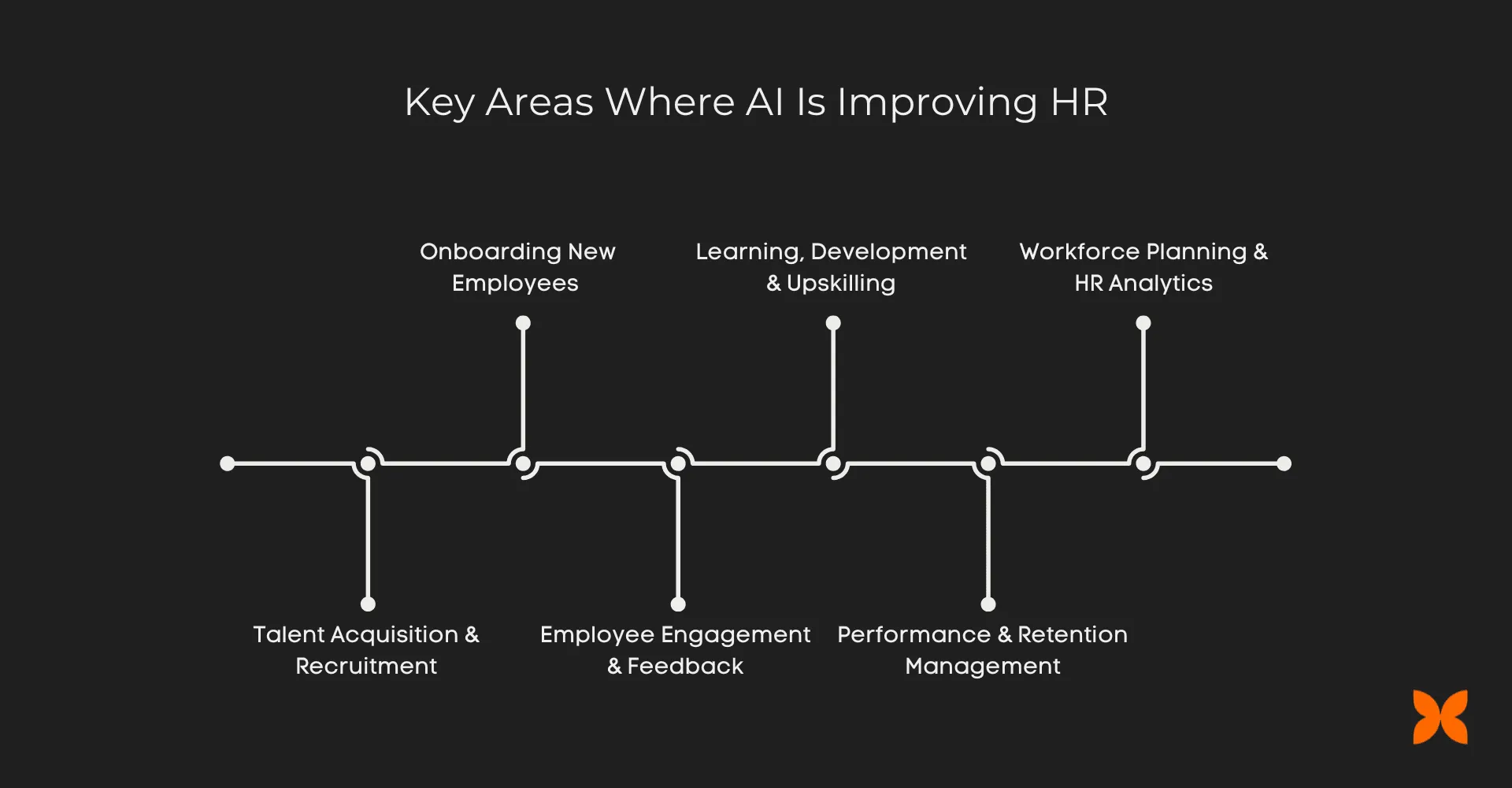
AI can support HR across the employee and candidate experience, but it should be introduced workflow by workflow. Start where the task is repeatable, the output can be reviewed, and the risk of harm is low.
1. Talent Acquisition and Recruitment
Hiring involves a lot of reading, writing, coordination, and comparison. AI can help recruiters and hiring managers move faster without skipping structure.
Where AI Helps:
-
Drafting job descriptions from intake notes.
-
Creating interview questions tied to role requirements.
-
Summarizing candidate conversations and interview notes.
-
Preparing candidate communication that is clear and consistent.
For workflow-specific examples, see recruitment process automation .
2. Onboarding New Employees
A strong onboarding experience depends on clear steps, useful context, and timely answers. AI can help HR teams prepare the materials and workflows that make that possible.
Benefits:
-
Drafts role-specific onboarding checklists.
-
Summarizes company policies into new-hire-friendly language.
-
Prepares manager check-in prompts for the first 30, 60, and 90 days.
This creates a smoother start for employees while reducing repeated setup work for HR.
Also Read: How to Automate Employee Onboarding Workflows
3. Employee Engagement and Feedback
Understanding employee feedback is difficult when responses are spread across surveys, manager notes, interviews, and open-text comments. AI can help identify themes for humans to interpret.
Use Cases:
-
Summarizing open-text survey responses.
-
Grouping feedback into recurring themes.
-
Drafting follow-up questions for managers or HR business partners.
AI should help HR notice patterns, not make unsupported conclusions about individuals.
4. Learning, Development, and Upskilling
As roles change, employees need clearer development paths. AI can help HR and managers research, draft, and refine those paths.
Applications:
-
Turning role expectations into draft learning goals.
-
Comparing training resources and summarizing what each covers.
-
Drafting development plans for manager review.
The final plan should still reflect manager judgment, employee goals, and company priorities.
5. Performance and Retention Management
Performance and retention work is sensitive, so AI should be used carefully. The strongest use cases are preparation, summarization, and consistency checks.
Capabilities:
-
Summarizing self-review and manager notes.
-
Checking whether review feedback is specific, clear, and tied to expectations.
-
Preparing conversation guides for managers.
AI should not decide ratings, compensation, promotions, or termination outcomes.
6. Workforce Planning and HR Analytics
Workforce planning depends on clean inputs and careful interpretation. AI can help organize information, build scenarios, and explain trade-offs.
What It Enables:
-
Summarizes headcount requests and role justifications.
-
Groups hiring needs by function, urgency, or business goal.
-
Drafts planning narratives for leadership review.
This helps HR teams prepare better recommendations while keeping final planning decisions with leaders.
How To Adopt AI in HR Safely
AI in HR needs more than tool access. It needs rules for what people can use AI for, what data they can provide, and when outputs must be reviewed.
Start with lower-risk workflows such as summarization, drafting, formatting, research, and checklist creation. Then document which tasks require human approval before anything is sent, recorded, or acted on.
Useful guardrails include:
-
Do not enter sensitive employee data into tools that have not been approved by your organization.
-
Keep humans responsible for hiring, pay, promotion, disciplinary, and termination decisions.
-
Review AI-generated employee or candidate communication before sending it.
-
Track where AI is used in high-impact workflows so decisions can be explained later.
-
Test outputs for bias, missing context, and factual errors.
These guardrails make AI more useful because employees and managers can trust how it is being used.
Conclusion
Automation and AI can make HR work faster, clearer, and more consistent. They help teams reduce repetitive drafting, searching, summarizing, routing, and checklist work so people can focus on decisions, conversations, and trust.
The best results come from using AI where it fits: as an assistant for language-heavy work, as automation for repeatable steps, and as agents for workflows that need context and follow-through.
Craze is a multi-model AI workspace for teams that want one place to work with different LLMs, create AI agents, and run repeatable AI-assisted workflows. Use it to compare model outputs, draft faster, research better, and turn recurring work into more consistent processes.
Next Read: What Is HR Automation?
FAQs
1. What is AI in HR, and how does it help?
AI in HR uses models, assistants, and agents to help with tasks such as drafting, summarizing, answering policy questions, reviewing documents, analyzing feedback, and preparing workflow steps. It works best when people review important outputs before action is taken.
2. What is the difference between HR automation and AI in HR?
HR automation follows predefined rules, such as routing an approval or sending a reminder. AI can interpret language, summarize information, suggest next steps, and adapt outputs to context. Many useful HR workflows combine both.
3. Can AI agents be used for HR workflows?
Yes, AI agents can support repeatable HR workflows such as preparing onboarding checklists, summarizing survey themes, drafting candidate communication, or collecting information before a manager review. Sensitive decisions should still stay under human oversight.
4. What HR tasks should not be fully automated with AI?
Do not fully automate decisions that affect someone's job, pay, eligibility, discipline, promotion, or access to benefits. AI can assist with preparation and analysis, but high-impact people decisions need human judgment, documented criteria, and legal review where required.
5. Will AI replace HR professionals?
AI is better suited to removing repetitive work than replacing HR judgment. HR teams still need people to interpret context, handle sensitive conversations, set policy, protect employee trust, and make fair decisions.
More Articles
AI Agent Orchestration: What It Is and Why It Matters

AI agent orchestration coordinates multiple specialized agents to handle complex tasks no single agent can. Learn the patterns, building blocks, failure modes, and how to get started.
AI Agent Use Cases: Where Agents Actually Deliver Results
Explore the highest-impact AI agent use cases across customer support, sales, finance, IT, marketing, and HR, with real workflow patterns and adoption data.
AI Agent vs Chatbot: How They Actually Differ
AI agents and chatbots are not the same thing. Learn the real differences in how they work, what they cost, and which one your team actually needs.


